


Software Others
Cinema 4D error message: I have attempted to install Cinema 4D however it is not installed properly and is showing the below messages all the time let me know what is this error and why it troubles?
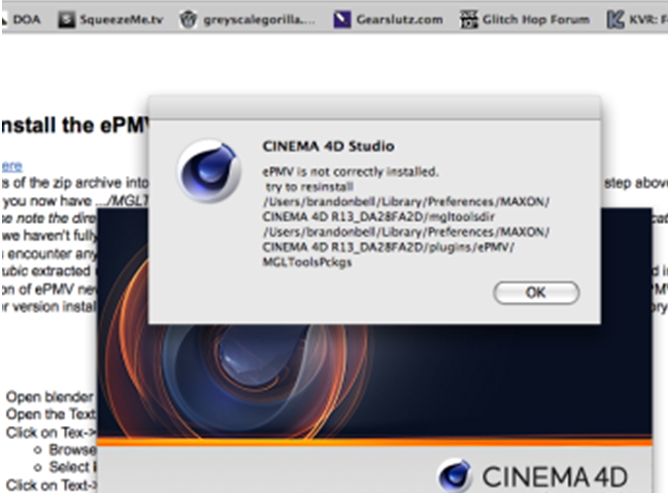

- 949 views
- 1 answers
- 0 votes
Cinema 4D error message: Files are not able to be put in writing in Cinema 4D. What is this and why I am not able to do this?
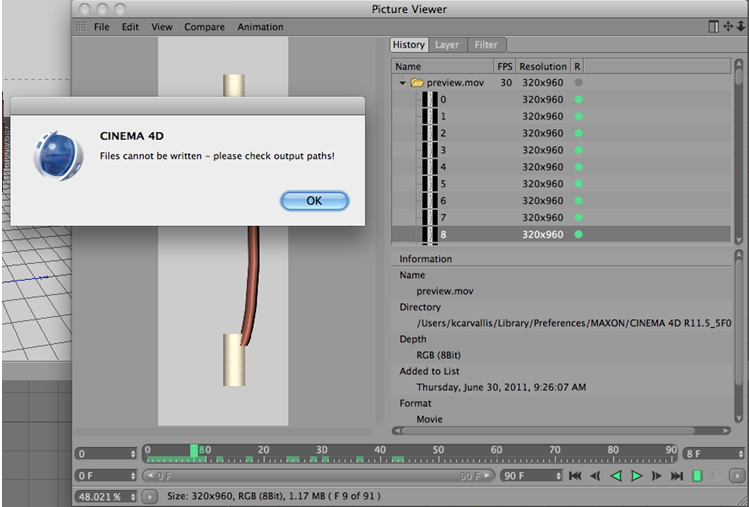
Files cannot be written – please check output paths!
OK

- 954 views
- 1 answers
- 0 votes
AutoCAD licensing error: My network license manager is not running in receiving an official license? Why is this?
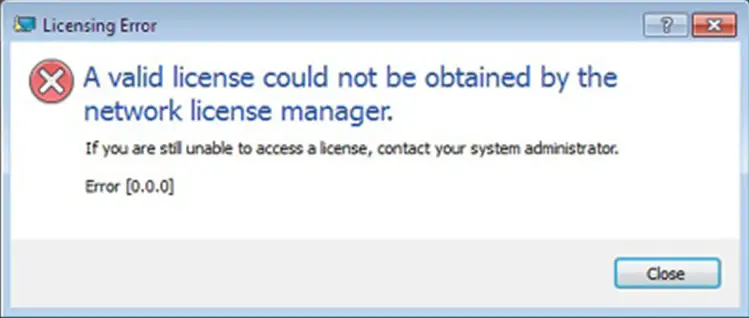

- 2601 views
- 1 answers
- 0 votes
Wshelper error message: Wshelper is sending this error message you can see it below attached image?
Why access is disobeying?
Does anybody know how to solve this?


- 6457 views
- 5 answers
- 1 votes
Spec Update error: Will somebody inform me that how can I update Specifications? If sure afterward what should I make?
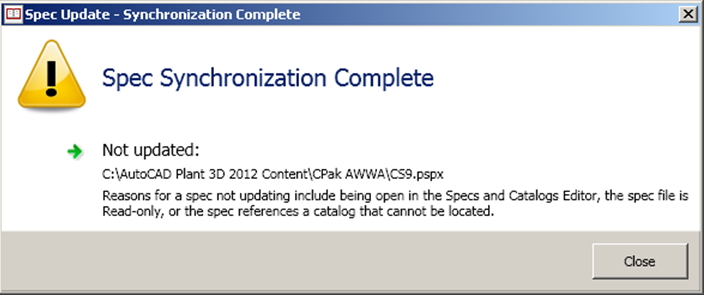
Spec Synchronization Complete
Not updated:
C:AutoCAD Plant 3D 2012 ContentCPak AWWACS9.pspx
Reasons for a spec not updating include being open In the Specs and Catalogs Editor, the spec file is
Read-only, or the spec references a catalog that cannot be located.

- 705 views
- 1 answers
- 0 votes
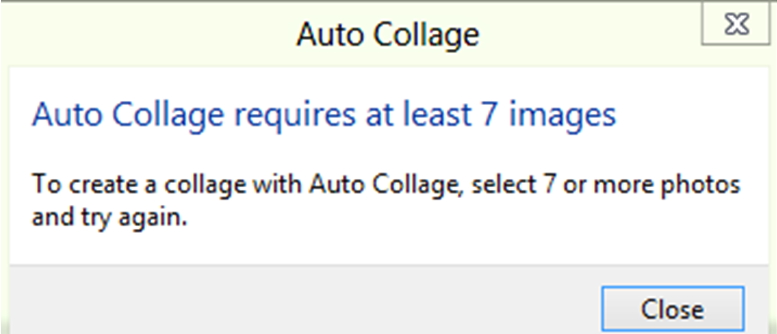
Auto Collage error: why this error message comes into view? I wish to solve it for the reason that I want to run the program:

- 865 views
- 1 answers
- 0 votes
Hi all,
I am using pwer director 8 for editing my videos. I am facing a problem in production where Power director stretch the resultant video into 720 x 480, I can see any option that would change the settings, and Power director resolution avi dv has nothing to do with it, right?
Where am I going wrong? Can you guess what I am missing here?

- 726 views
- 1 answers
- 1 votes
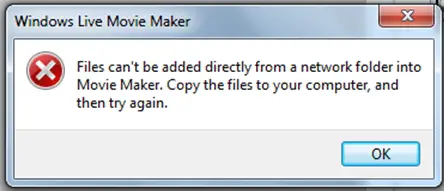
Windows Movie Maker error message: I desire to identify how I can insert files from a set of connections folder.
I will be happy if you help me to remove this error:
Windows live Movie Maker
Files cant be added directly from a network folder into Movie Maker. Copy the files to your computer, and then tiy again.
OK

- 757 views
- 1 answers
- 0 votes
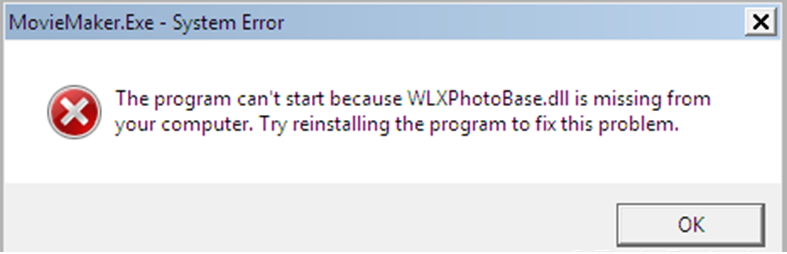
Windows Movie Maker error message: I wish to run my Windows Movie Maker on the other hand I do not identify how can I do this because of this error.
‘MovieMaker.Exe-System Error
The program can’t start because WLXPhotoBase.dll is missing from your computer. Try reinstalling the program to fix this problem’
This is one of the answers which I found, but I could not figure out what is this about. Can anyone help me in understanding this?

- 8773 views
- 3 answers
- 2 votes
I want to install From Dust on my Mac, but it shows the below problem, I am not sure why this error comes and what is this about.

From Dust-InstallShield Wizard
The setup has detected that version 1.00.002 of From Dust is already installed.
This setup installs an earlier version of From Dust (1.0.0).
You will have to uninstall the previous version before installing this version.

- 1193 views
- 2 answers
- 0 votes
Latest Articles

Top 7 Tech Features That Make Online Games Addictive (In A Good Way)

Tiny Systems That Make Apps Stick

Free cloud mining is coming! RICH Miner launches mobile mining, everyone can earn cryptocurrencies
Latest Blogs

Top 10 New Laptop Entrants That Shook The Public

10 Facts About The Dark Web

Top 10 Latest Steam Cleaner Machines
Latest Tips

Top 10 Internet Monitoring Software

Top 10 Best Partition Manager Software
